
Mellstroy Casino on iOS: Add It to Your iPhone or iPad Home Screen
Add Mellstroy to your iPhone or iPad home screen through Safari. The PWA shortcut launches the site in its own full-screen window, without an address bar. You keep your existing account and bonuses; there is no App Store download.
18+ · New players only · Operator bonus terms apply · Play responsibly
 Written by Anusha Khan · Checked by: Denise MatheyUpdated
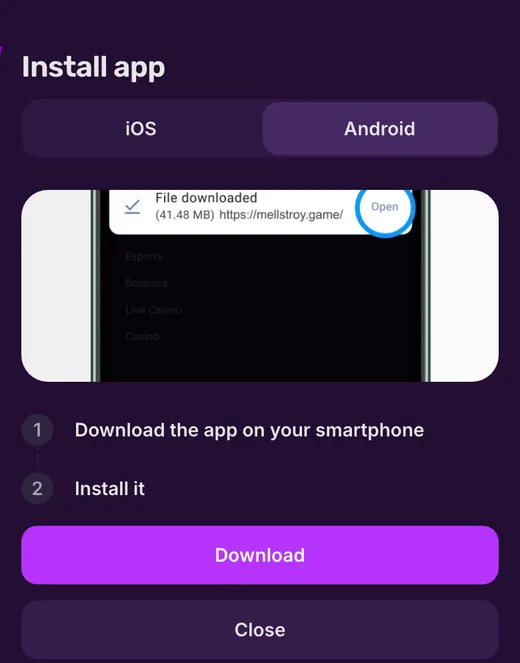
- Use Safari to add Mellstroy as a PWA: tap Share, choose Add to Home Screen, then Add.
- It opens full screen with bottom navigation.
- There is no App Store release.
- Installation earns +200 Mell Points once; the separate +100 push reward is Android only.
Mellstroy iOS at a glance
These are the installation route and launch features for the iPhone and iPad PWA.
| Feature | What you get |
|---|---|
| Format | PWA home-screen shortcut |
| App Store | No Mellstroy release |
| Browser for these steps | Safari |
| Installation | 4 steps |
| Launch | Full screen, no address bar |
| Bottom navigation | Menu, Casino, Deposit, Bonuses, Sport |
| Installation reward | +200 Mell Points, once |
| Push reward | +100 Points on Android only |
A downloadable installation file belongs to the Android APK version.
How to install Mellstroy on iPhone in 4 steps
A PWA adds the website to your home screen as an icon. Follow these steps in Safari; the system button labels below are those of an English-language device.
- 1
Open Mellstroy in Safari
Open Mellstroy in Safari on your iPhone or iPad. - 2
Tap Share
Tap Share in Safari. - 3
Choose Add to Home Screen
Select Add to Home Screen from the sharing options. - 4
Tap Add
Tap Add. The PWA shortcut appears on your home screen.
Use your existing sign-in details after launch, or create your Mellstroy account if you are new.
PWA shortcut vs App Store app
The iPhone route starts on Mellstroy's site. Searching the App Store does not lead to a Mellstroy release.
| Feature | Mellstroy PWA | App Store app |
|---|---|---|
| Source | The site, added through Safari | Downloaded from the store |
| Mellstroy availability | Yes, as a home-screen shortcut | No release |
| Opening it | Tap the icon for a full-screen site window | Launch from an installed app icon |
| Bottom navigation | Menu, Casino, Deposit, Bonuses, Sport | No Mellstroy store version |
| Install reward | Mell Points for adding the PWA | No Mellstroy store offer |
If you need an installation file, the APK download method is for Android.
How the PWA looks once launched
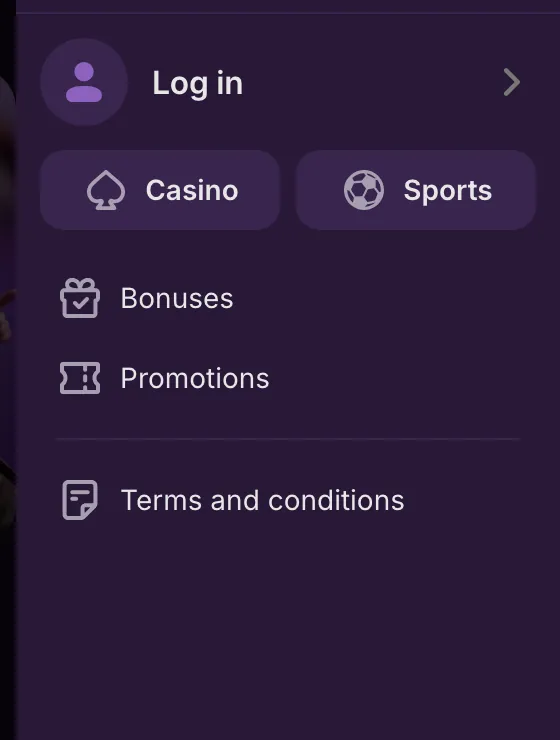
The shortcut opens a separate full-screen window without Safari's address bar. The bottom bar holds Menu, Casino, Deposit, Bonuses and Sport.
Your account stays the same: sign in with your phone number or email and password, or through a linked social account. Account protection uses a password; Mellstroy has no two-factor authentication.
The PWA is the website itself, so your balance, cashier and bonuses carry over. For deposits on iPhone, use the methods shown in the cashier; crypto options include BNB, BTC, ETH, LTC, TON, TRX, USDC and USDT.
Withdrawals from the same account start at EUR 10 or equivalent; Mellstroy gives a timeframe of up to 72 hours, usually 5–15 minutes, depending on the method and account status.
 New account offer
The iOS installation bonus
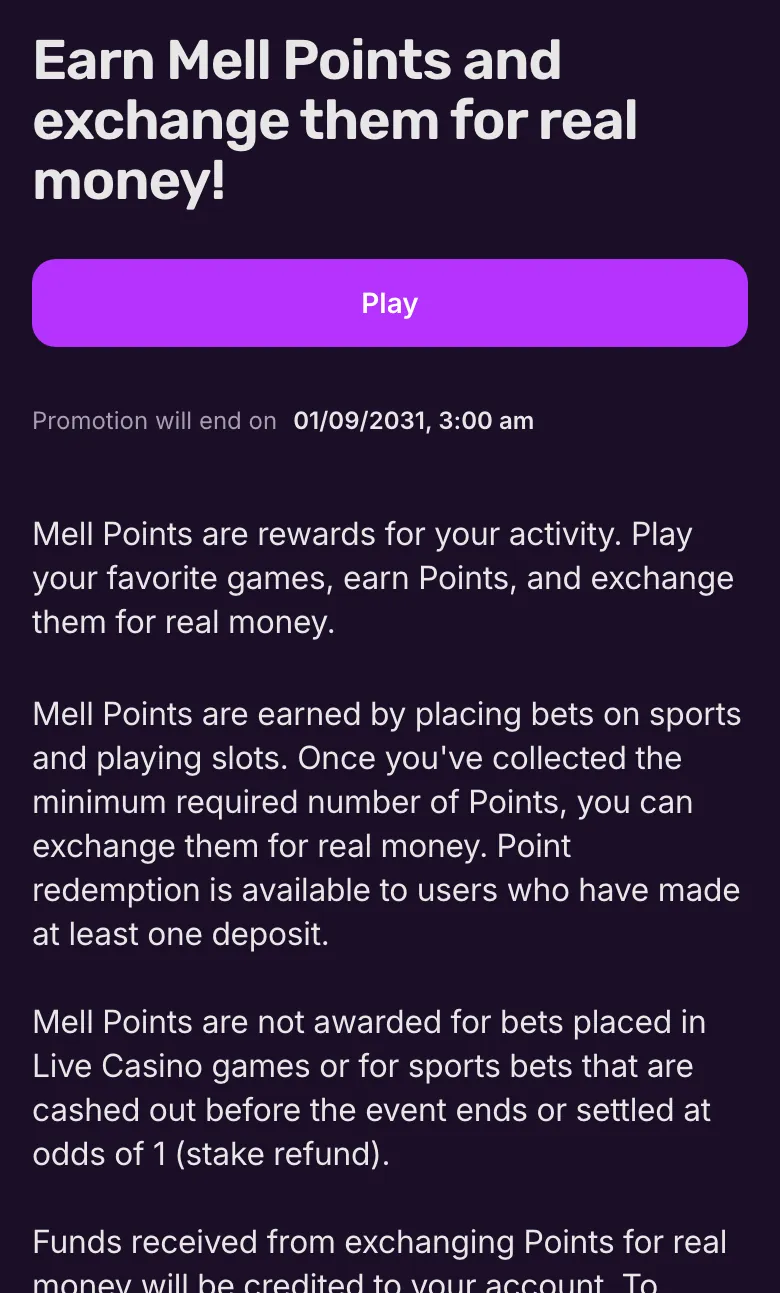
Mellstroy rewards installation with loyalty points. These are separate from the welcome deposit package.
One-off install reward
Mellstroy credits the installation Points automatically after a successful install on Android or iOS.Push is Android only
The separate push-subscription reward does not apply on iPhone.Exchange from 1,200 Points
1,200 Points = USD 8 or EUR 8. Exchange requires at least one deposit; exchanged funds have x1 wagering before withdrawal.Earn through slots and sport
Eligible slot and sports bets earn Mell Points. Live casino, cashed-out sports bets and refunded bets do not count.
The Mell Points exchange rules explain how points become account funds.
The welcome deposit package offers up to 550% + 400 FS on the first 4 deposits; up to 660% + 400 FS on a crypto account.
If the shortcut does not appear
The Safari route adds the shortcut from the site. For an access problem, ask support for the current address.
No Add to Home Screen option
Open Mellstroy in Safari and follow the sharing steps above.The site does not open
Ask chat or the Telegram channel for the current address; restoring access on iPhone follows the same account.Installation Points are missing
The installation reward credits automatically. If it has not arrived, contact the support chat.You need an installation file
The downloadable APK installs on Android. On iPhone, use the PWA shortcut.
Chat is open 24/7; you can also email [email protected]. No support telephone number is listed.
Mac and Windows
On Windows, the browser installs a PWA that opens in its own window and can be pinned to the taskbar. On Mac, the site's footer has a macOS installation button for the PWA shortcut. The device installation options cover these desktop routes.
PWA and account terms
- PWA
- Progressive Web App: the website added to your home screen as a shortcut that launches in a separate window.
- Mell Points
- Mellstroy loyalty points earned through eligible bets or promotions and exchanged for account funds.
- Home-screen shortcut
- An icon added through Safari's Add to Home Screen option to open the Mellstroy PWA.
- KYC
- Know Your Customer: identity checks for your account, including documents Mellstroy can request.
Sources
Where the facts on this page come from
- Mellstroy site and installation offerMobile access and install reward
- Mellstroy rulesAccount and withdrawal terms
Mellstroy on iPhone FAQ
Open Mellstroy in Safari, tap Share, select Add to Home Screen, then tap Add. This creates a PWA shortcut on your home screen.
No. Mellstroy has no App Store or Google Play release. On iPhone and iPad, you add the site as a PWA shortcut through Safari.
A PWA is a website you add to your home screen as an icon. Mellstroy opens full screen without an address bar, with Menu, Casino, Deposit, Bonuses and Sport along the bottom.
Yes. Mellstroy credits +200 Mell Points automatically after installation, once per player. The separate +100 Points push reward applies only to Android, so it does not apply on iPhone.
Yes. The PWA opens the Mellstroy site with the same balance and bonuses. Sign in using your phone number or email and password, or a linked social account.
No. Every section also works in the mobile browser. The home-screen shortcut is an optional way to open the site.
18+ or the local age of majority, whichever is higher. One account per person; VPNs, proxies and TOR are prohibited. Request self-exclusion or account closure through support; help is available from GamCare, Gambling Therapy and Gamblers Anonymous.
- First version of the page.
Who runs this page
mellstroy.ing is an information site, not Mellstroy and not its official page: no deposits, bets or accounts are handled here.
The operator does not publish a licence, regulator or legal entity. Its Terms make you responsible for checking that online gambling is lawful where you live; one account per person, and VPNs, proxies and TOR are not allowed.
For adults (18+) only. If play stops being fun, plan a budget and find help.
New account offer